How to Join Airties Vision Beta on iOS


About Airties Vision
The Airties Vision app allows you to setup, monitor and control your Airties powered home Wi-Fi network
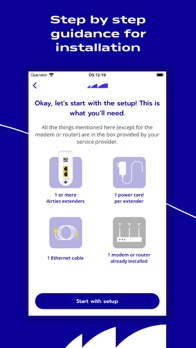
In a few simple steps, the app helps you install your Airties Wi-Fi mesh extenders and view your home network map, devices and connections in real-time
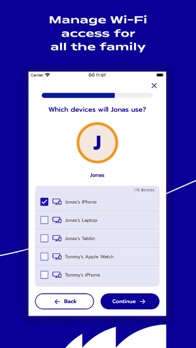
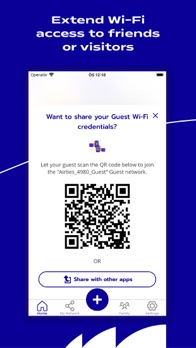
You will be able to run a speed test, manage who has Wi-Fi access – and when – through parental controls and guest network options.
The Airties Vision app is designed to work with recent Airties Wi-Fi products and does not support legacy Airties modems or repeaters
Currently supported products are Air 4960, Air 4960R, Air 4930 and Air 4920
These products are provided to you by your internet service provider.
New features recently introduced:
Carry out a speed test directly through the app
Enhanced security with anti-hacking and threat deflection features with reporting on blocked devices and websites
Easier identification of connected devices through listing of model / make instead of just MAC address
App highlights:
Get step by step guidance for installing Airties Wi-Fi mesh extenders
Display your network map along with real-time connection indicators
List all connected devices, rename them and prioritize the top 3
Define profiles for family members with tailored access rules, or create a temporary guest connection
Check your network data usage
Configure your Wi-Fi network name and password
The Airties Vision app is regularly updated with new features and capabilities, stay tuned for upcoming releases!